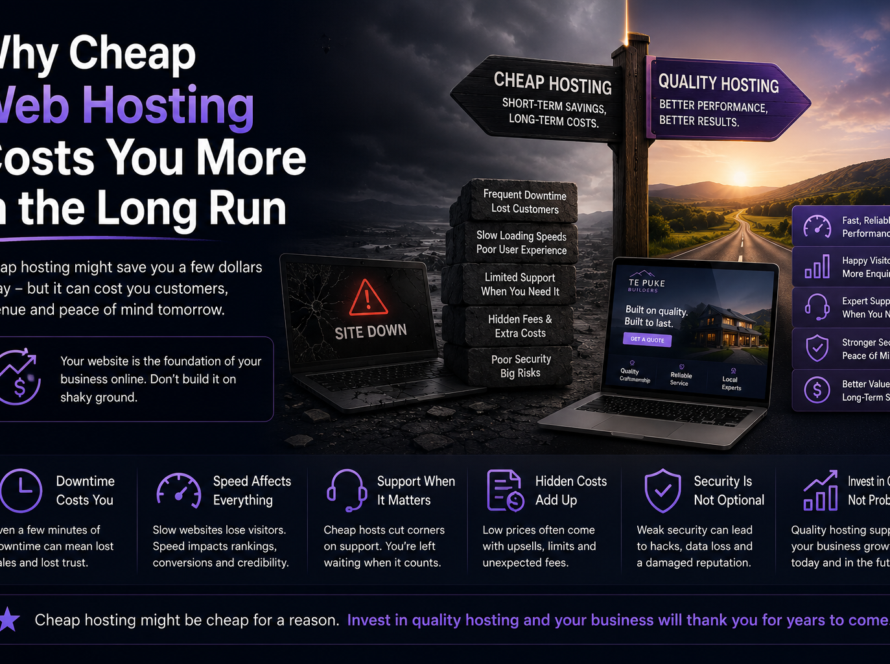
Most hacked WordPress sites weren’t singled out — they were simply left unmaintained, running outdated software with weak passwords until an automated attack found them. The good news: a few sensible habits keep the overwhelming majority of trouble away.
Why WordPress sites get hacked
WordPress powers a huge slice of the web, which makes it a constant target for automated bots scanning for known weaknesses. They don’t care how small your business is — they look for any site with an out-of-date plugin or a guessable password and walk straight in.
The security basics
- Keep everything updated. Core, themes and plugins — updates often patch security holes.
- Use strong, unique passwords and two-factor login for admin accounts.
- Limit admin access to people who genuinely need it.
- Remove unused plugins and themes — every one is a potential door.
- Run a firewall and malware monitoring to block and catch attacks.
- Keep reliable backups so you can restore fast if the worst happens.
- Use HTTPS (the padlock) on every page.
The honest truth about maintenance
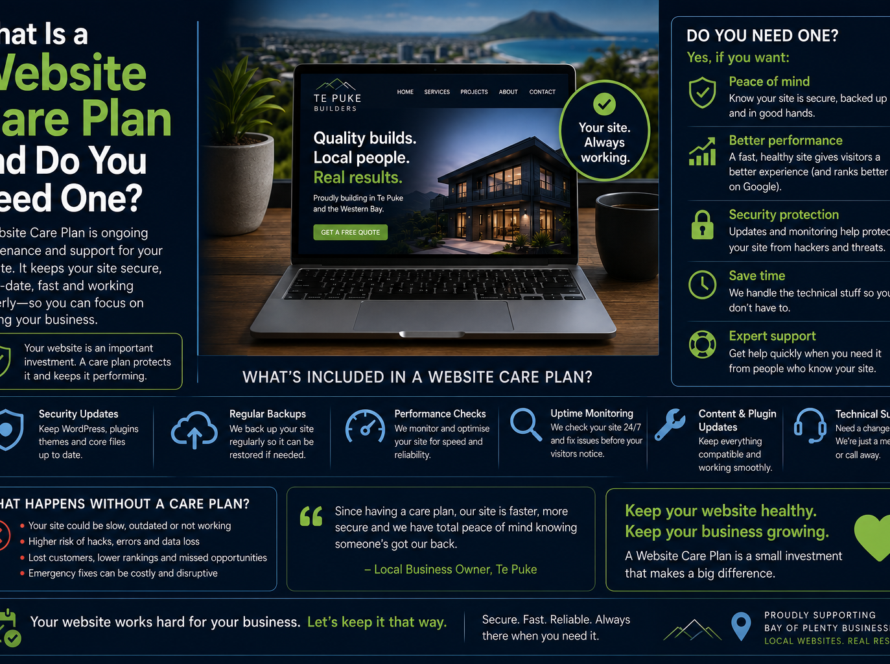
Security isn’t a one-off setting — it’s ongoing. The sites that get hacked are almost always the ones nobody was looking after. That’s why managed hosting and a care plan are the simplest protection: someone is actively keeping it patched, monitored and backed up.
We handle exactly that through Red5 Host and our care plans — security monitoring, updates and backups, so you don’t have to think about it. Ask about securing your site.
FAQ
Is WordPress insecure?
No — WordPress itself is secure when kept updated. Most breaches come from outdated plugins, weak passwords or neglect, not WordPress itself.
What do I do if my site is already hacked?
Take it offline if needed, restore from a clean backup, change all passwords, and patch the hole that let them in. We offer clean-up and hardening.
Do small sites really get attacked?
Yes — most attacks are automated and indiscriminate. Size doesn’t protect you; maintenance does.